Technology belongs
to every hand.
Modified tablets, screen readers, and adaptive keyboards — loaned free to seniors, veterans, and kids in underfunded schools, neighborhood by neighborhood.
Find workshops and guides near you:
Or browse all resources without a zip code.
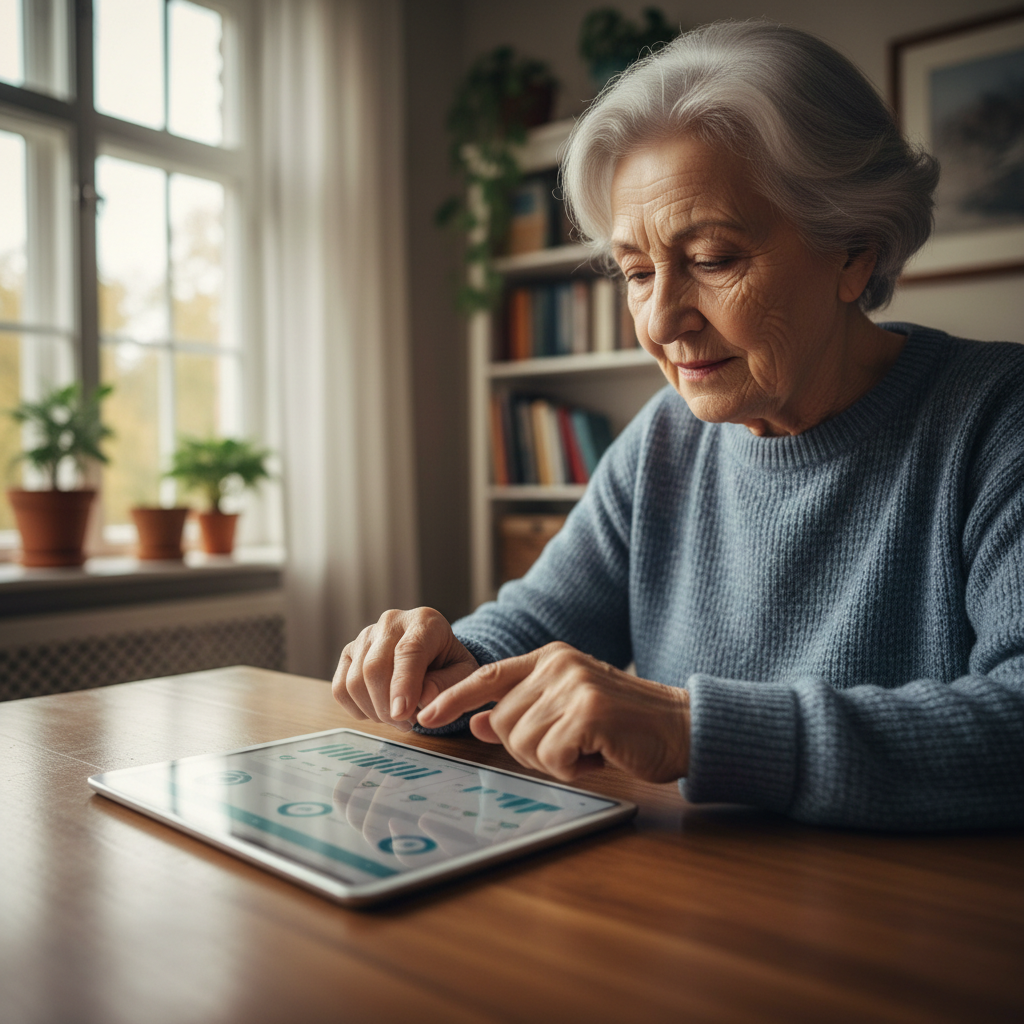

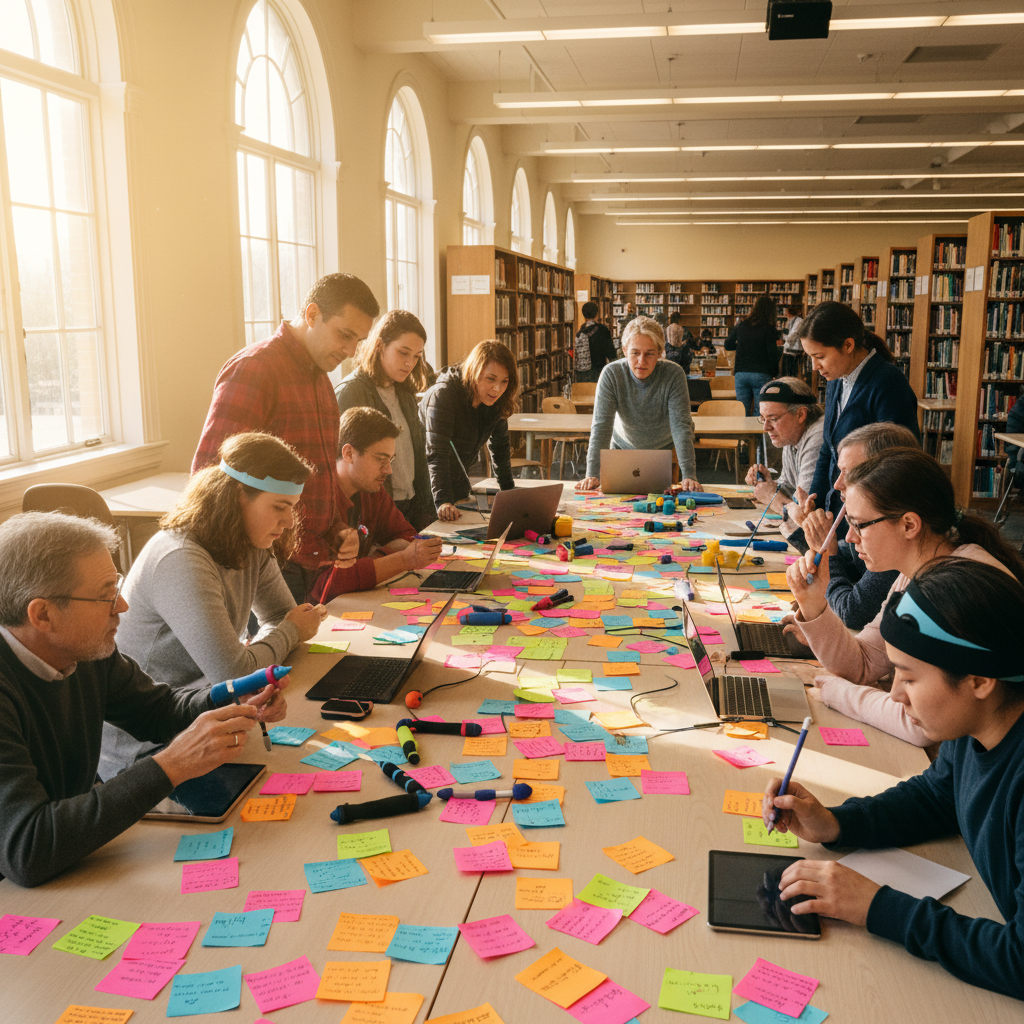
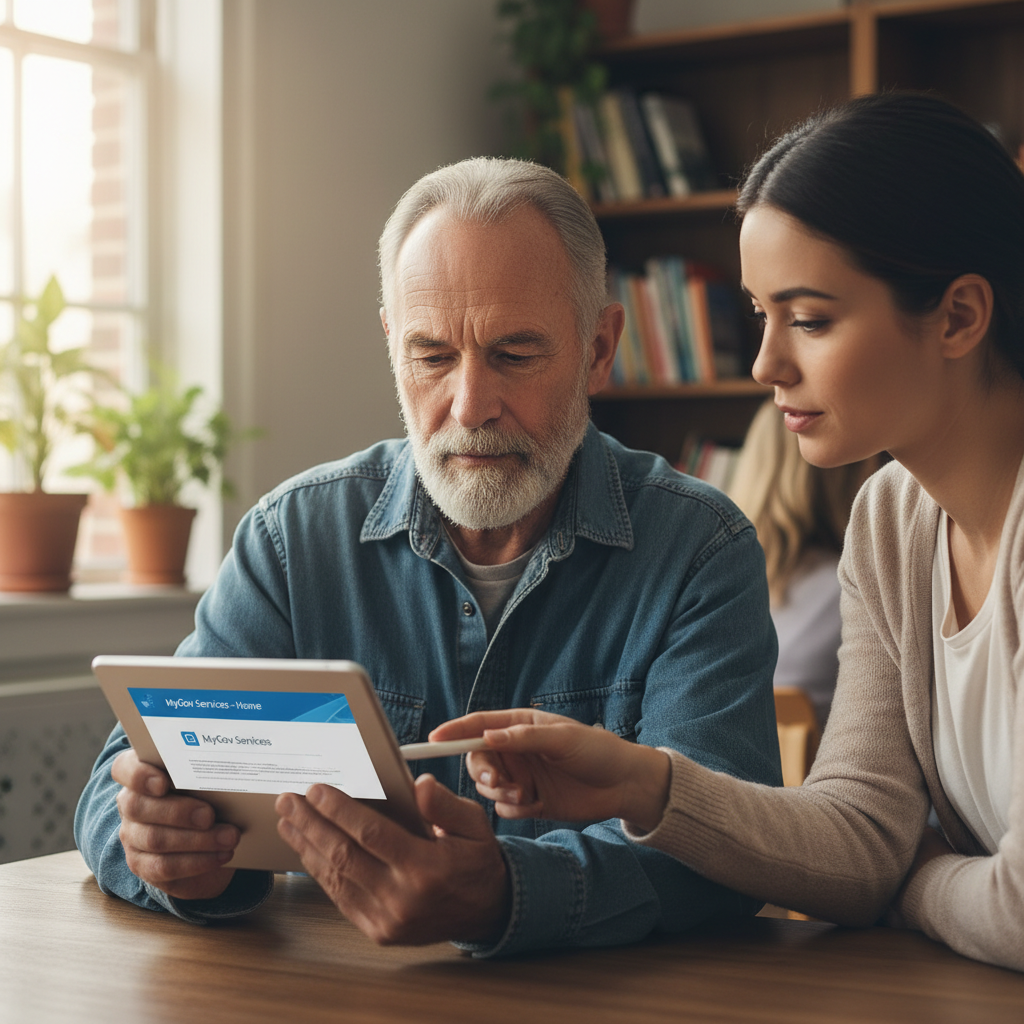

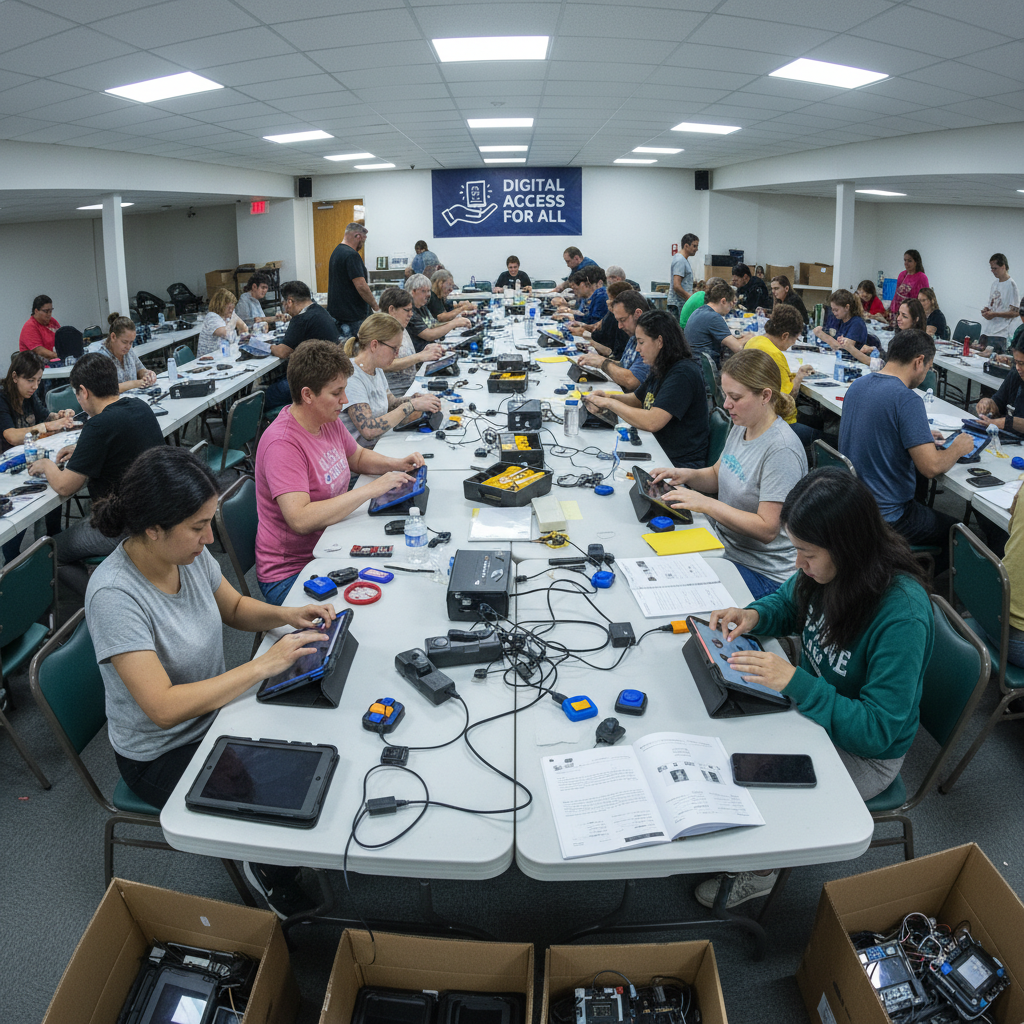


Real participants. Real neighborhoods.
Photos shared with permission
Workshops · Guides · Stories · Videos
Your neighborhood wall.
Every card is a different kitchen table, a different zip code, a different moment when technology stopped being the enemy.
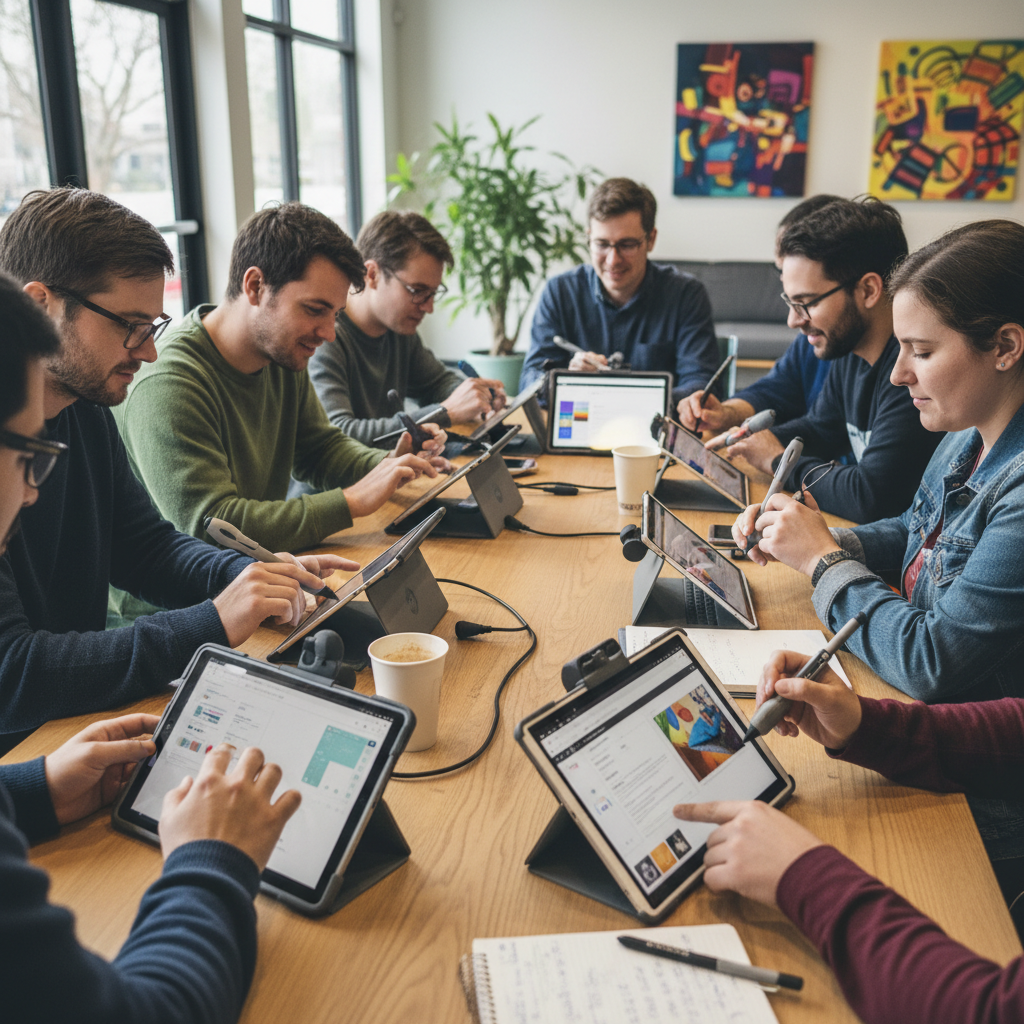
Tablet Setup for Low Vision — Spring Workshop Series
A hands-on session at the Olivet Boys & Girls Club. Bring your device or borrow one of ours. All text is available in 18pt print.
Register Free“I hadn't touched a computer in three years. The Bridge volunteer sat with me for two hours at my kitchen table. Now I video call my grandchildren every Sunday.”
Margaret Okafor, 74
Program participant, Detroit East Side
Screen Reader Quick-Start Guide
Step-by-step setup for NVDA and JAWS. Available in large print, audio, and plain-language formats.
Download Free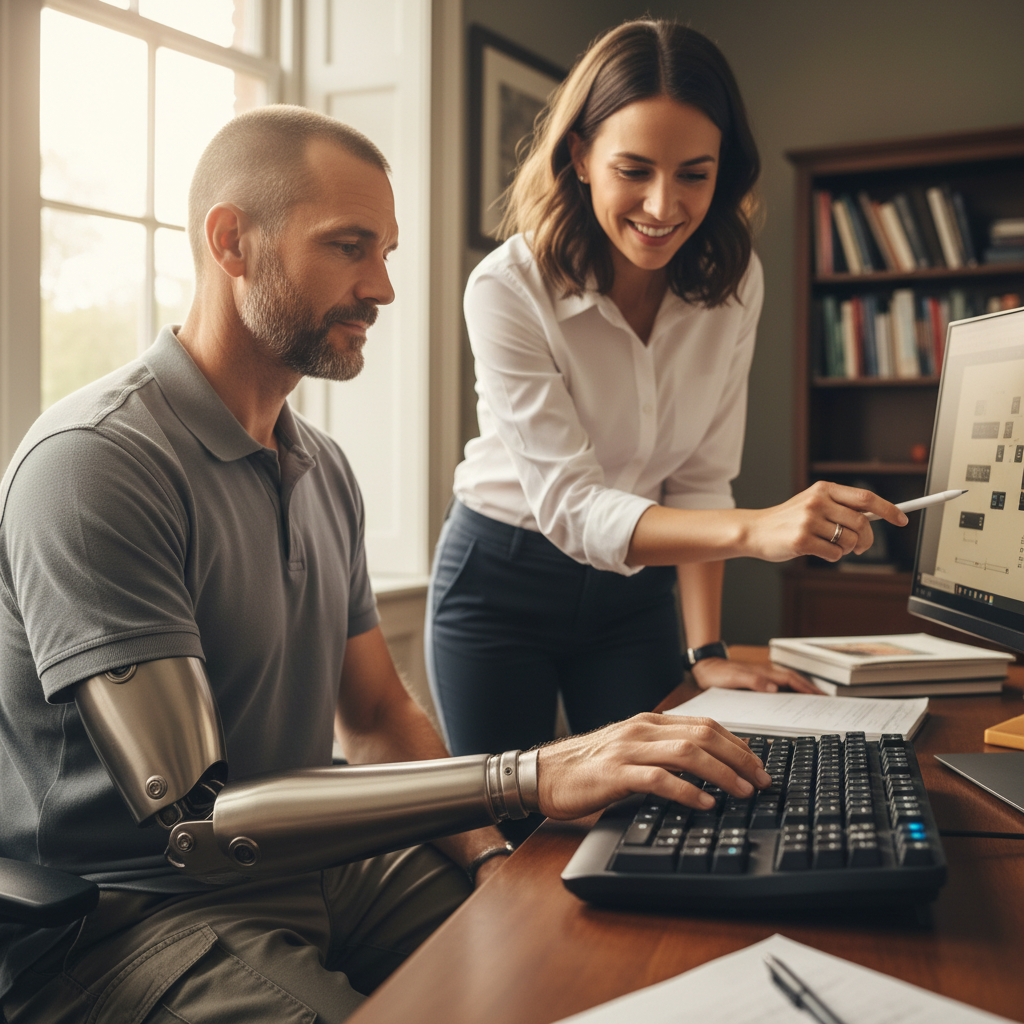
Setting Up a One-Hand Keyboard in 4 Minutes
Marcus, a veteran from Cleveland, walks through the full setup with a Bridge coordinator.
Watch Video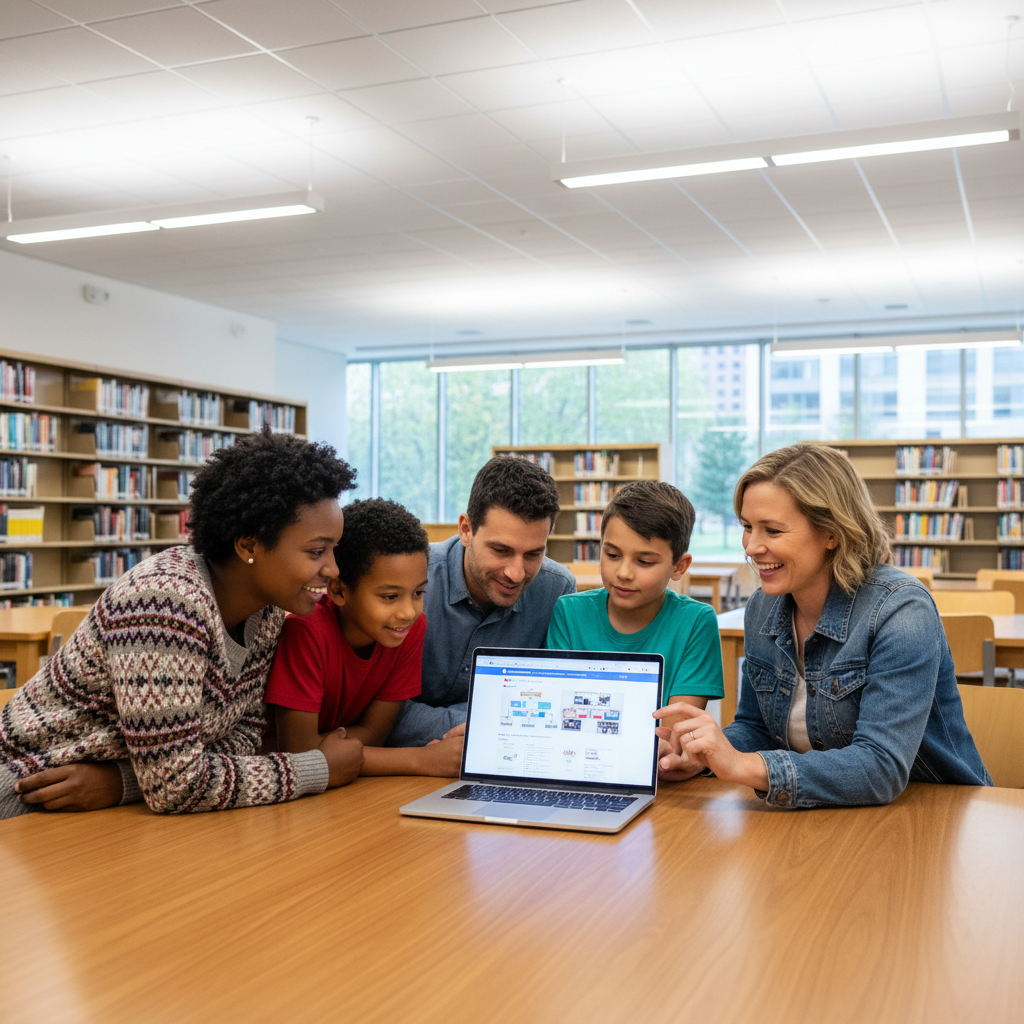
Family Caregiver Tech Night — Tremont Library
For families helping a loved one navigate insurance portals, prescription refills, and telehealth appointments.
Register Free“Three of my students with IEPs are now doing independent research. The adaptive keyboards changed everything about how they participate.”
Denise Kowalski
Special Education Coordinator, Chicago Public Schools
VA Portal Navigation: Step-by-Step for Veterans
A plain-language guide to benefits, prescriptions, and telehealth — optimized for one-hand and voice navigation.
Download Free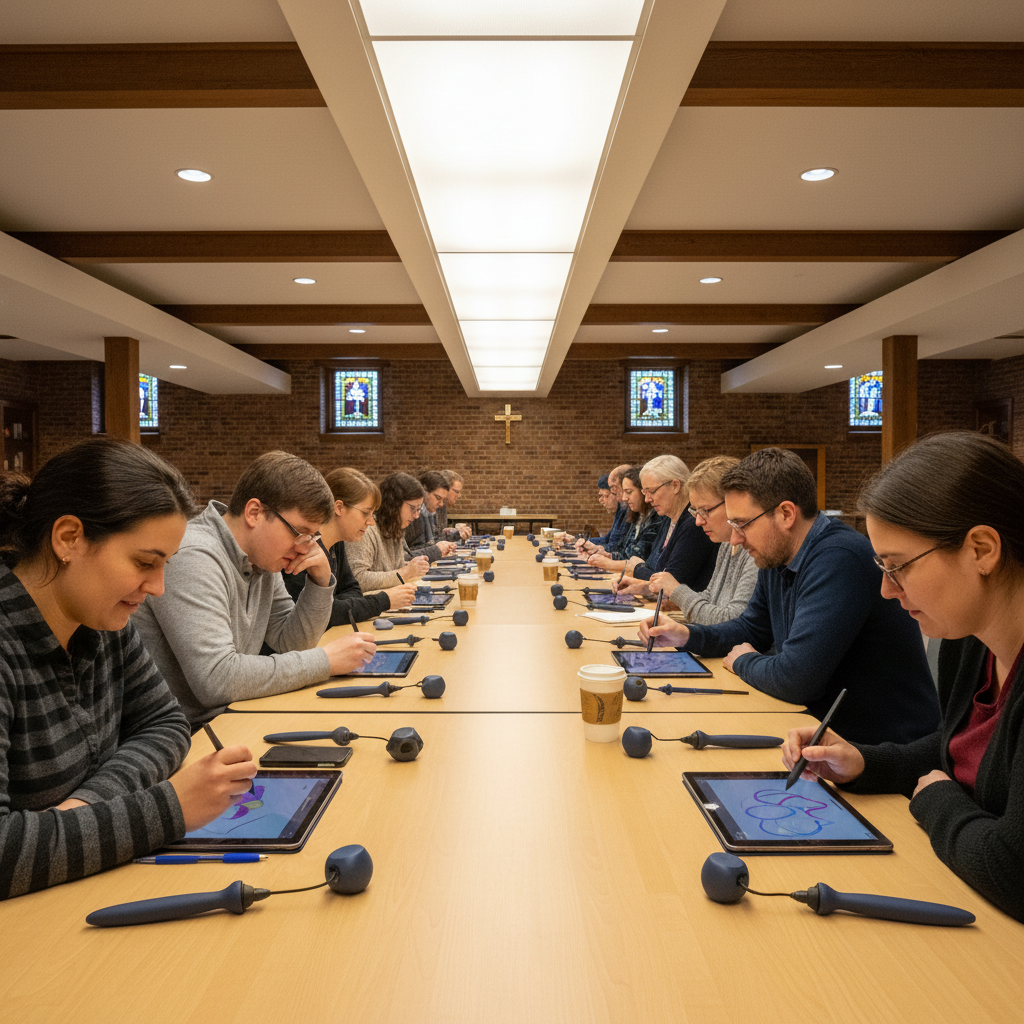
Adaptive Stylus & Touch Screen Clinic
Church basement workshop at St. Stanislaus. Devices available to borrow for 30 days after.
Register Free“I refer veterans to Bridge every single week. The difference between a veteran who can manage their own healthcare portal and one who can't — that's the difference Bridge makes.”
James Ruiz
Social Worker, Phoenix VA Medical Center
No jargon. No login walls. No fine print.
How Bridge Works
Start anywhere. We meet people where they are — at the kitchen table, in the library, at the VA, or on the phone.
Search Your Neighborhood
Enter your zip code to find workshops, lending libraries, and downloadable guides within a few miles of home.
Borrow a Device
Modified tablets, screen readers, and adaptive keyboards are available to borrow for 30 days — no credit check, no cost.
Attend a Workshop
Drop-in sessions at libraries, community centers, and church basements. Bring a caregiver or come alone. Wi-Fi and snacks provided.
Keep Making Progress
Ongoing phone support, follow-up guides in large print, and a community of 4,000+ neighbors who've been exactly where you are.
Every face is someone who said yes to being seen
Share Your Story
Your three sentences might be the reason someone else picks up the phone.
3 sentences. A photo if you want. That's it.